Open your website on your phone and imagine you’ve just landed there for the first time. Can you tell what you do, why someone should trust you, and what they should do next? Take five minutes to see where a potential client might get stuck.
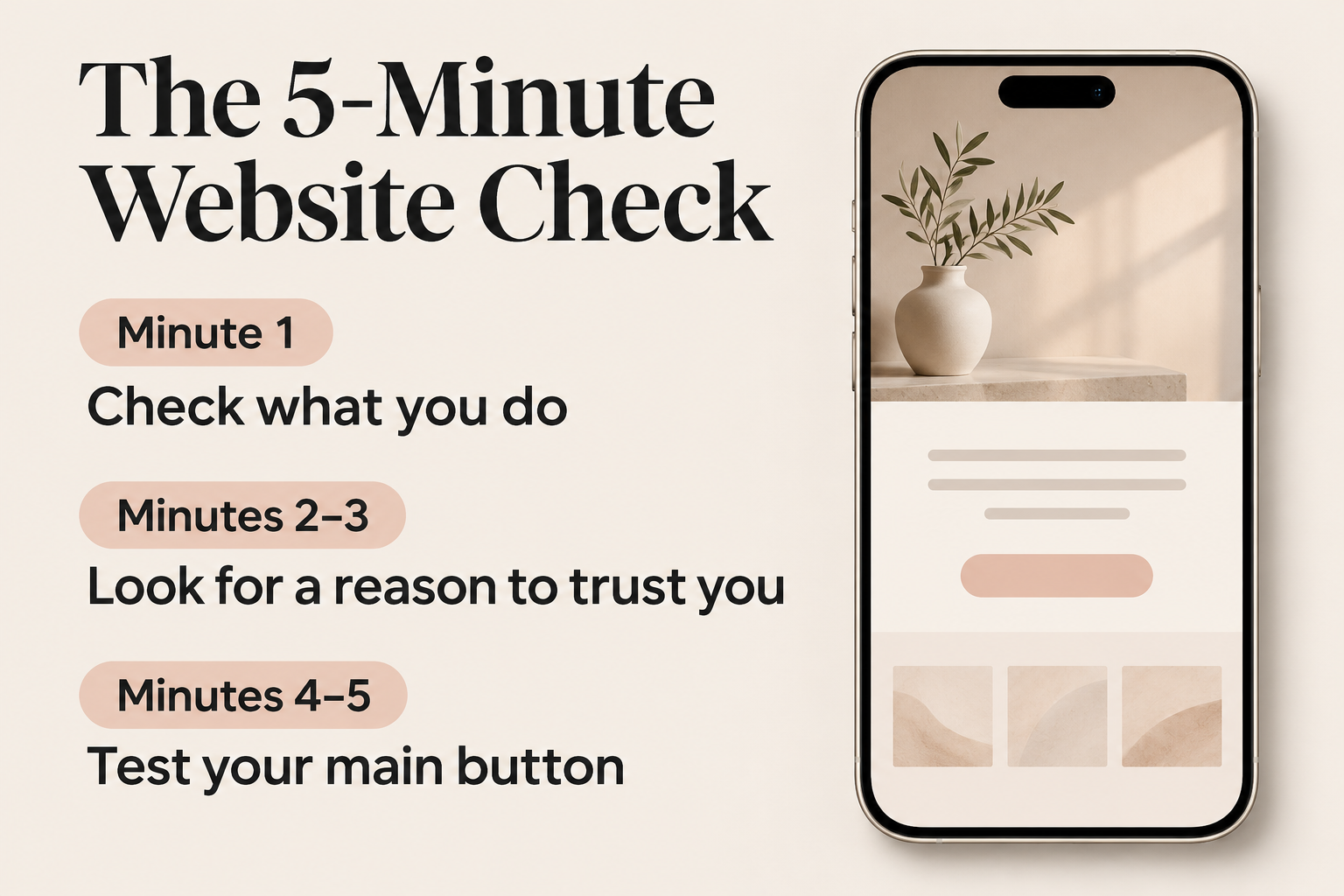
Spend the first minute reading your homepage headline, the next two minutes looking for something that builds trust, and the final two minutes testing your main button.
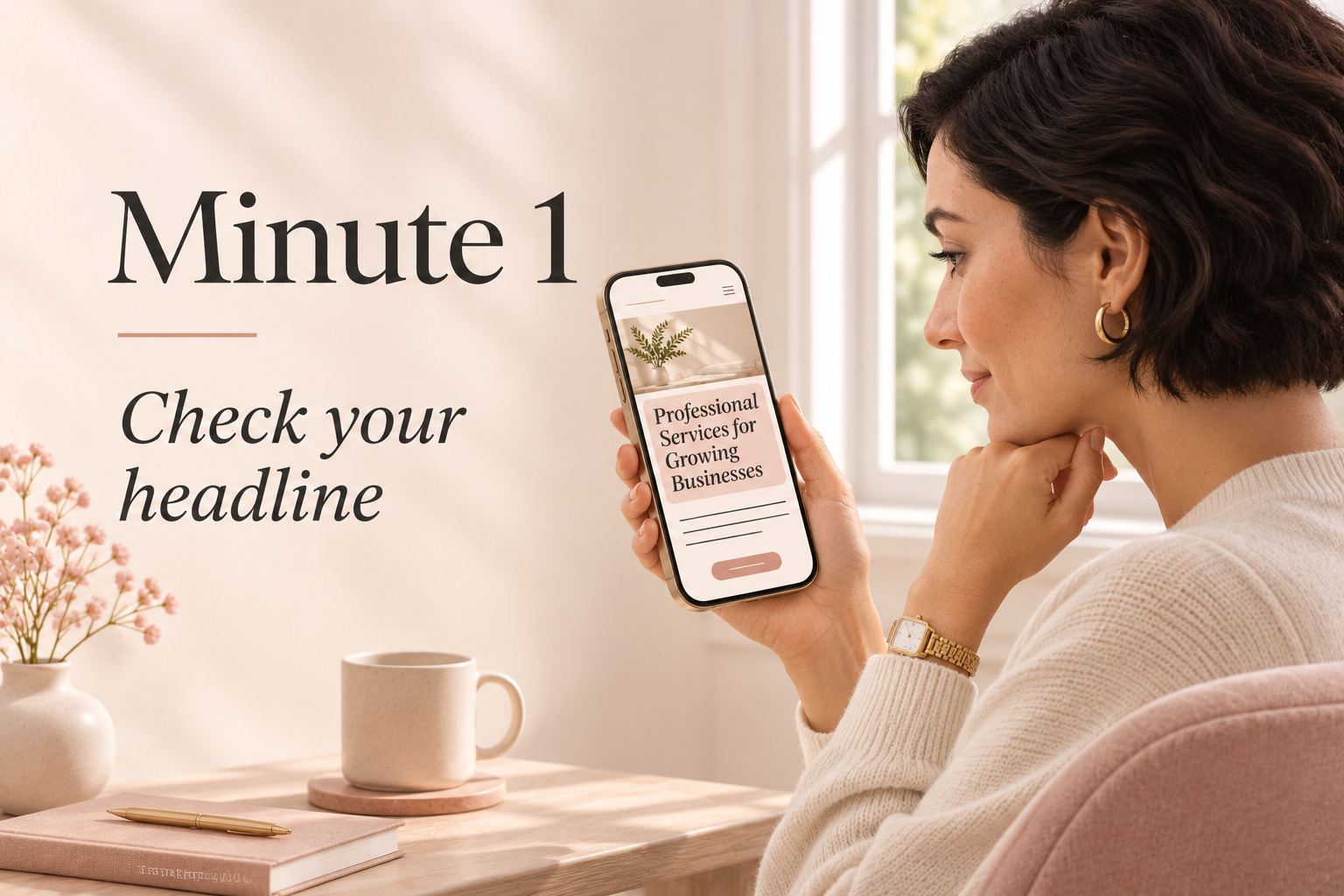
Minute 1 — Read your headline and check if your service is clear
Read the first screen of your homepage without scrolling. Could someone tell who you help and what service you offer?
If your headline is broad, add a sentence that names your audience and the problem you help them solve. A visitor should be able to tell whether your service is a fit before opening the menu.
Minutes 2–3 — Look for a reason a visitor would trust you
Scroll as a potential client would. Look for one piece of evidence that helps them feel comfortable reaching out. It could be a client testimonial you have permission to share, a relevant work sample, or a short explanation of what happens when someone hires you.
Check that it’s easy to read on your phone and appears near the service it supports. A testimonial about a specific service is easier to understand when it sits alongside that offer.

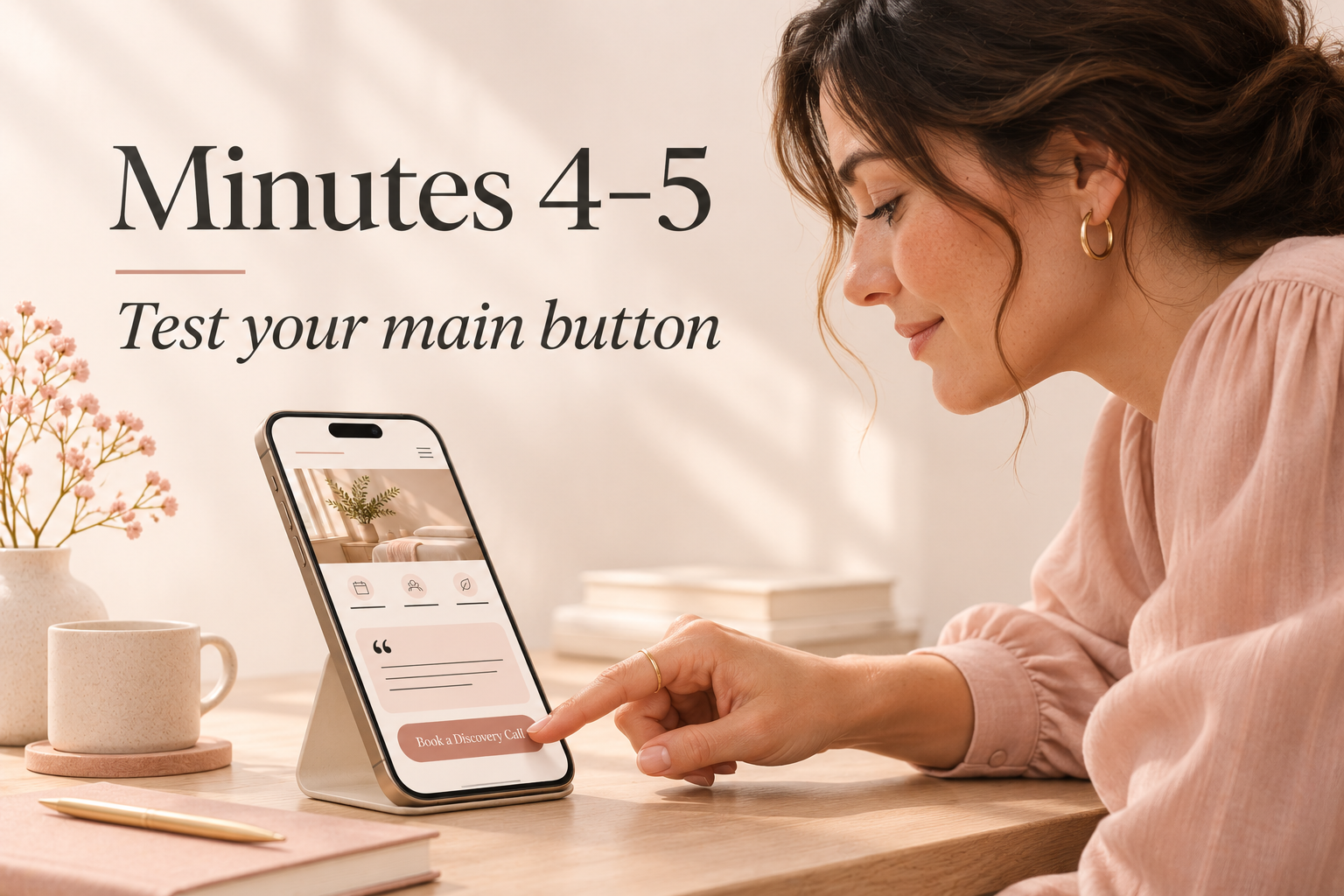
Minutes 4–5 — Is the next step easy?
Find the main button and tap it. Does the label tell you what will happen? Does the booking page or inquiry form load properly on your phone?
If the button says “Learn More” but opens a booking calendar, try “Book a Discovery Call.” If it opens an inquiry form, try “Request a Quote” or “Ask About Availability,” depending on what you offer.
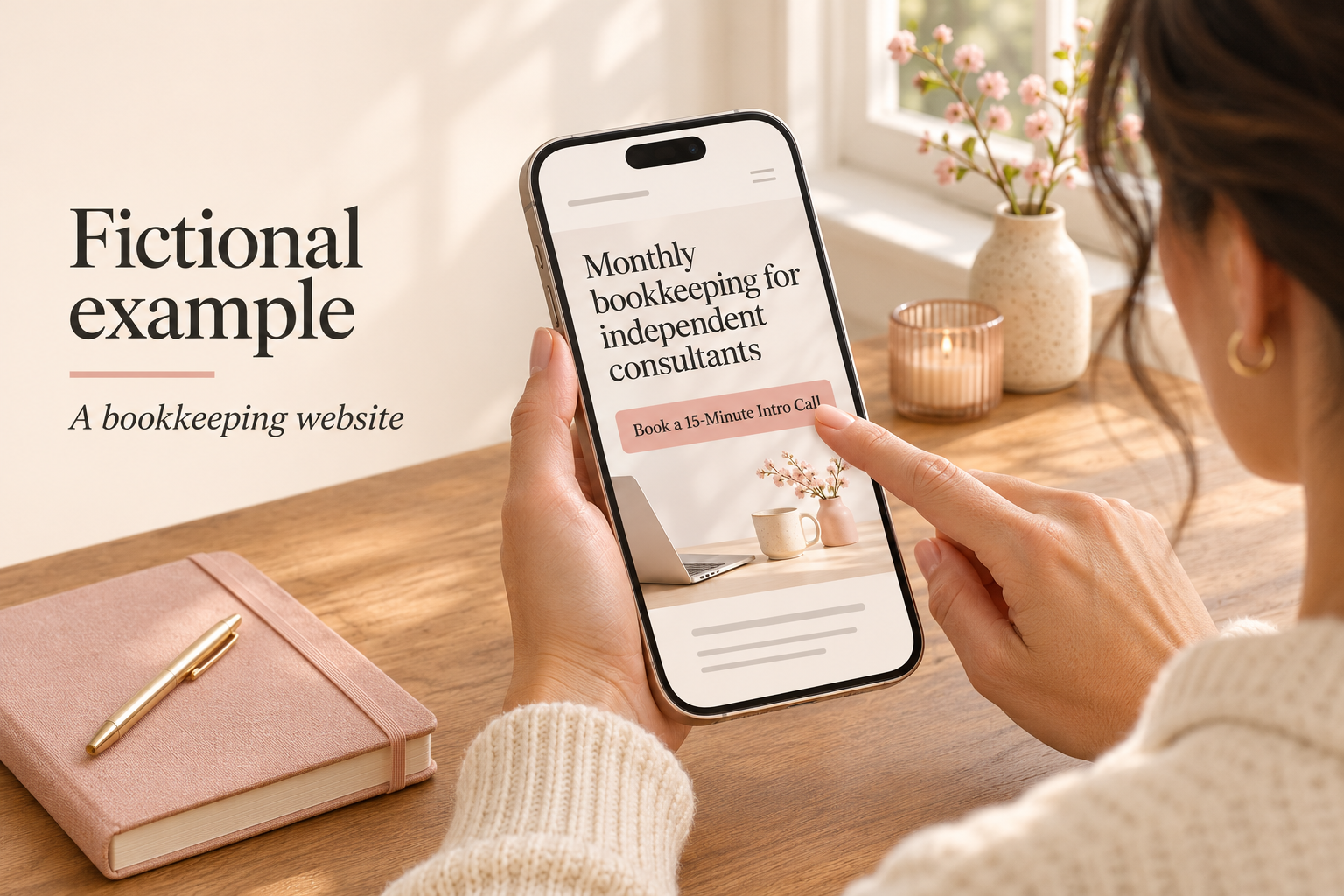
Fictional Example - Bookkeeping
Imagine a bookkeeping business whose homepage says “Get Back to What Matters.” The owner rewrites it as “Monthly bookkeeping for independent consultants,” adds a client testimonial beside the service description, and changes the main button to “Book a 15-Minute Intro Call.” Now a visitor can see what’s offered, hear from a past client, and know what to expect when they tap.
Start with the first place you hesitated during the check. Make one change, then ask someone unfamiliar with your business to open the site on their phone and answer the same three questions. Their answers will show you where the page is clear and where it still needs work.